Reaction game for iPhone, iPad and Android
Turn the wheel. Hit the color.
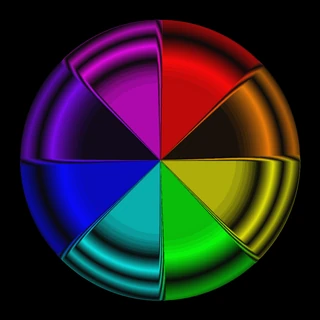
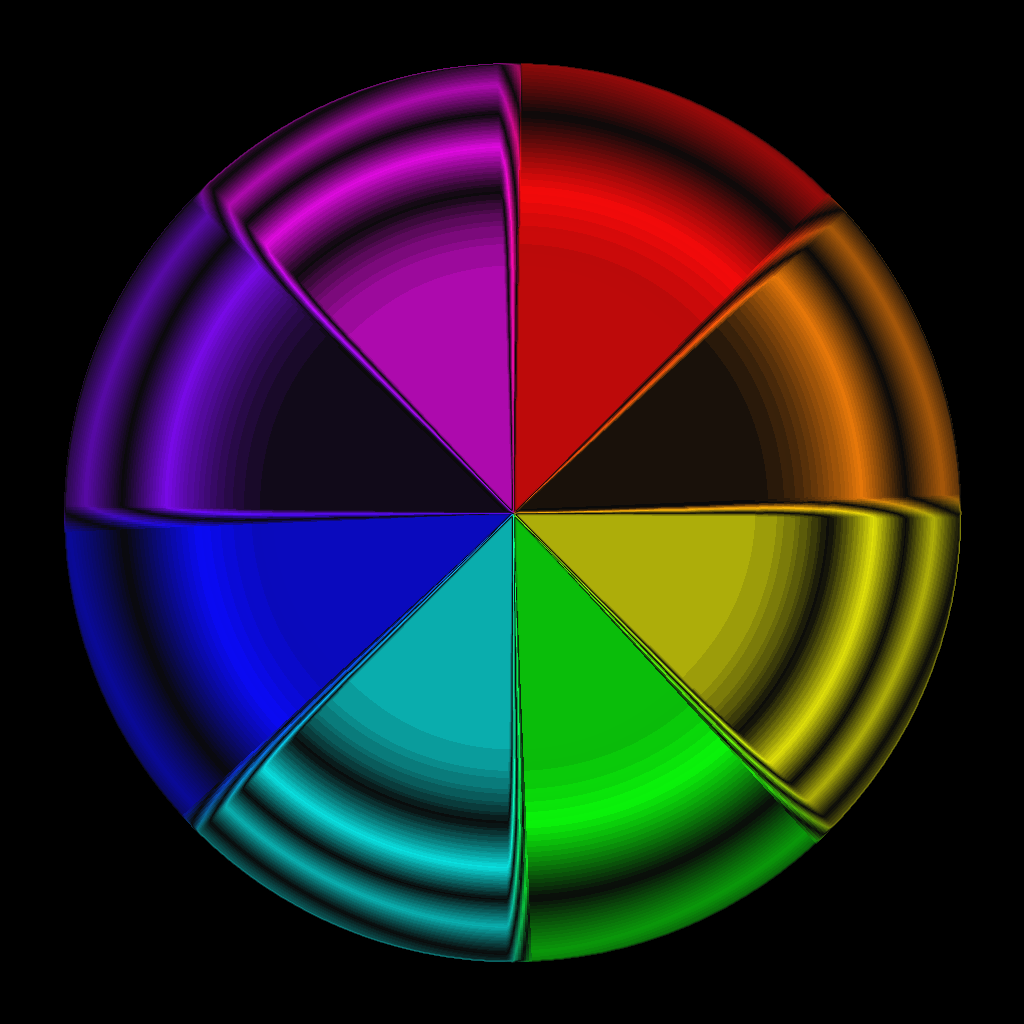
A ball races back and forth between two color wheels – and gets faster with every hit. Turn the matching color to the middle before it arrives. One wrong color and the round is over.
 Coming soon
 Coming soon
- colors per wheel
- 8
- seconds of flight time
- 4 → 1
- languages
- 33
- ads and in-app purchases
- 0
How to play
Simple rules. Rising pressure.
You don't steer the ball – you steer the colors. Everything comes down to timing.
- 01
Watch the ball
The ball flies on its own from one wheel to the other. After every hit it takes on a new color – never the one the target wheel is showing right now.
- 02
Turn the wheel
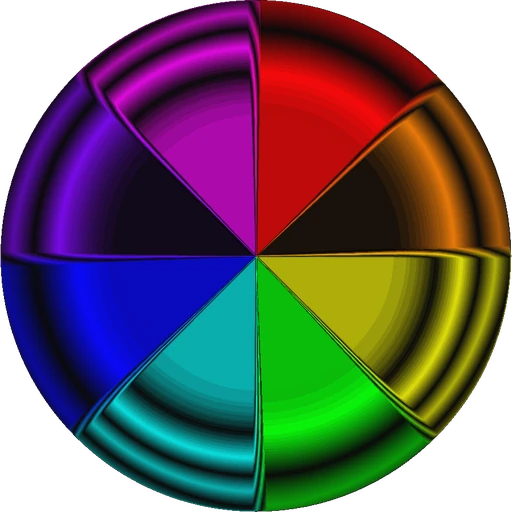
A tap turns the targeted wheel by exactly one color. Hold your finger to keep it turning – the further from the middle of the screen, the faster it spins.
- 03
Hit the color
When the ball arrives, the matching color has to face the middle. Hit: one point, and the ball turns back – faster. Wrong color: the round is over.
Faster with every hit
The flight time drops from 4 seconds to about 2 seconds after 15 hits and to about 1 second after 50 hits.
Features
Small game. Big pull.
Easy to learn
Tap turns by one color, holding keeps the wheel turning. Two wheels, one ball – you get it in seconds.
Faster with every hit
Every point speeds up the ball. At some point your reflexes decide – how long can you keep up?
Your best rounds
The personal high score list keeps your three best rounds with date and points.
World ranking
Compete with players around the world – via Game Center on iPhone and iPad, via Google Play Games on Android.
Retro look, own soundtrack
Glowing color wheels, an equalizer background and its own music. Music and effects can be switched separately.
Made for every display
Optimized for current phones and tablets, including notch and Dynamic Island. Leave the app and the game pauses.
No ads, no purchases
Just play: no banners, no in-app purchases and no data collected.
33 languages
From Arabic to Vietnamese – Color Pong speaks your language.
Screenshots
See it in action
Straight from the game – in your language.
Download
Ready for the next round?
Color Pong is free for iPhone, iPad and Android – without ads and without in-app purchases.
- Coming soon
- Coming soon
Support
Questions? Answers.
Problems, ideas or praise? Write me an e-mail – I usually answer within a few days.
marco.starker@gmx.net
Frequently asked questions
Is Color Pong free?
Yes. Color Pong is free – without ads and without in-app purchases.
Which devices does Color Pong run on?
On iPhone and iPad as well as on Android smartphones and tablets from Android 7.0. The game is played in landscape.
How exactly do the controls work?
The left half of the screen controls the left wheel, the right half the right wheel. A tap turns the wheel by one color – above the middle of the screen in one direction, below it in the other. Hold your finger to keep it turning; the further from the middle, the faster. You can turn both wheels at the same time.
Can I pause the game?
Yes. The menu button in the top left pauses the round. The game also pauses by itself when you leave the app, get a call or press the back button on Android.
How does the world ranking work?
On iPhone and iPad your score is sent to Game Center, on Android to Google Play Games – provided you are signed in there. Your three best rounds are also kept on your device.
Can I turn off music and sounds?
Yes. Music and sound effects have separate buttons in the top right corner. Your choice is saved.
Where are my high scores from the old version?
The new edition was rebuilt from scratch and stores its high scores differently. Local high scores of the old version 1.x could not be carried over.
Does the app collect any data?
No. Color Pong itself does not collect any data. You can find details in the privacy policy. Privacy policy
Press
Press kit
Logo, app icon and screenshots for articles, reviews and videos about Color Pong – free to use for reporting.

Fact sheet
- Developer
- Marco Starker
- Platforms
- iPhone, iPad, Android
- Release
- 2016, new edition 2026
- Price
- Free, no ads, no in-app purchases
- Genre
- Casual, Action
- Languages
- 33